
A Squarespace alternative, without piecing a site together from half an export
Squarespace has an export. It creates an XML file meant mainly for WordPress, and it only takes part of your site. We start from the finished website, so what the export skips still ends up in SQRL.
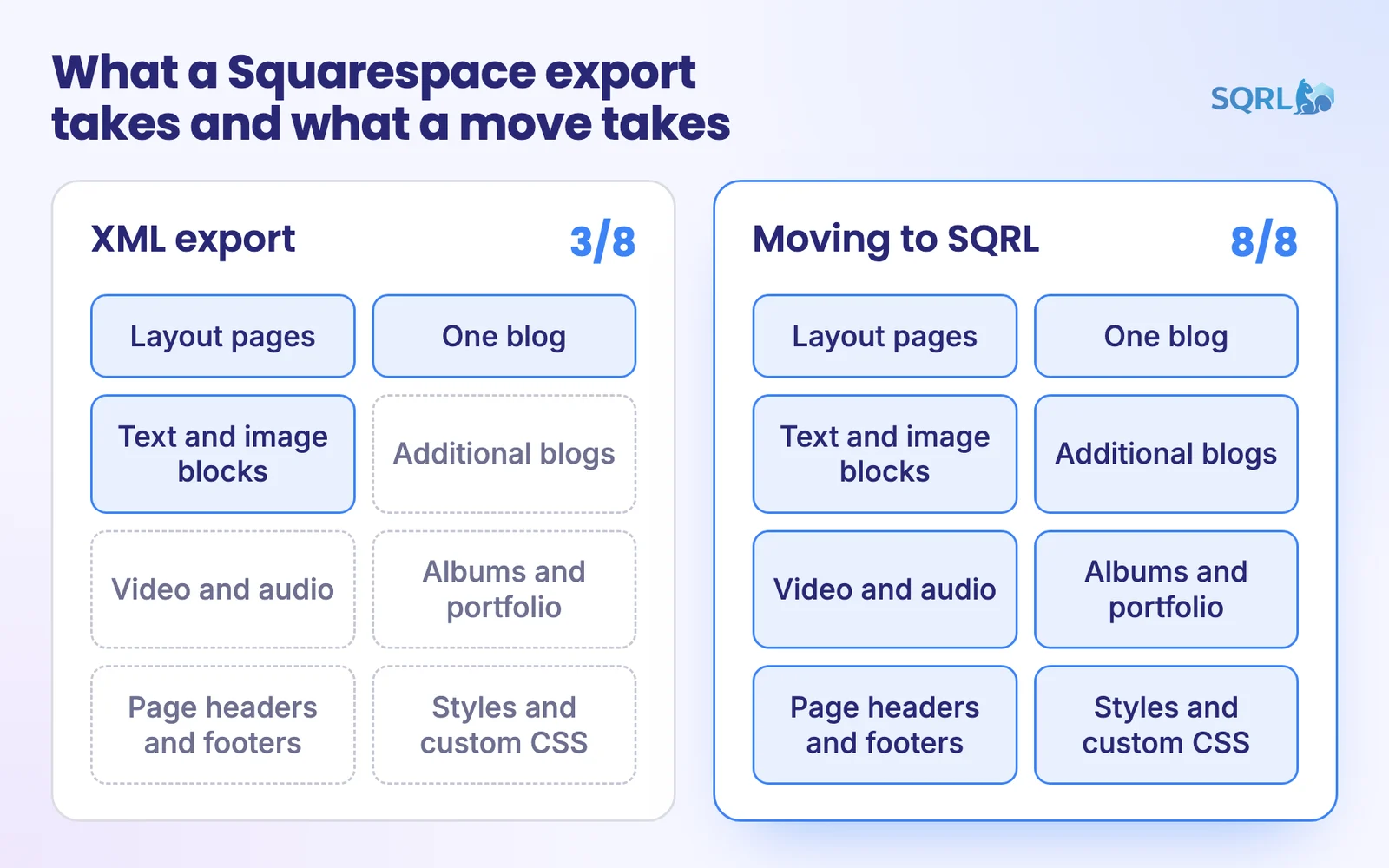
What the export takes and what it doesn't
According to the Squarespace help center:
| Squarespace export | Moving to SQRL | |
|---|---|---|
| Layout pages | Yes | Yes |
| One blog with its posts | Yes | Yes |
| Additional blogs | –No | Yes |
| Text and image blocks | Yes | Yes |
| Video and audio blocks | –No | Yes |
| Albums, portfolio, index, calendar | –No | Yes |
| Page-specific headers and footers | –No | Yes |
| Styles and custom CSS | –No | yes, design 1:1 |
Watch your images: Squarespace itself warns they may not transfer after importing into WordPress, and suggests downloading them by hand. When moving to SQRL, seeding, which fills the site with data automatically, adds them.
When moving makes sense
Your offer has outgrown the templates
A hundred items with parameters won't fit in a nice gallery. In SQRL, they become a catalog with fields and filters.
You want inquiries, not a cart
SQRL forms store messages in the admin, send emails and filter spam without a captcha.
You need more languages
Language versions are part of the system, marked correctly for search engines.
You want the site under your control
It runs with us, with you, or at a regular hosting provider. The code and data are yours.
When to stay on Squarespace
Nice templates, hosting and support in one place. Squarespace is a good choice for that.
Squarespace handles orders and payments. SQRL doesn't.
If you enjoy its editor and nothing's holding you back, there's no reason to leave.
FAQ
No. The public website and your consent are enough, so you can skip the export altogether.
We work from what the site publishes. If you have the originals, send them and we'll use those instead.
Nobody can honestly guarantee rankings. Whatever can stay at the same address does, and the rest gets a 301, a permanent redirect.
The step-by-step process is on the Migrate to SQRL page.
Book a SQRL demo
We'll go through your Squarespace site with you and tell you what moves on its own and what we'd handle case by case.
A website is more than what fits in an XML file.